Agartha Mog or Die Tools
Checklists that tell you what to buy and what to walk, not a toy widget.
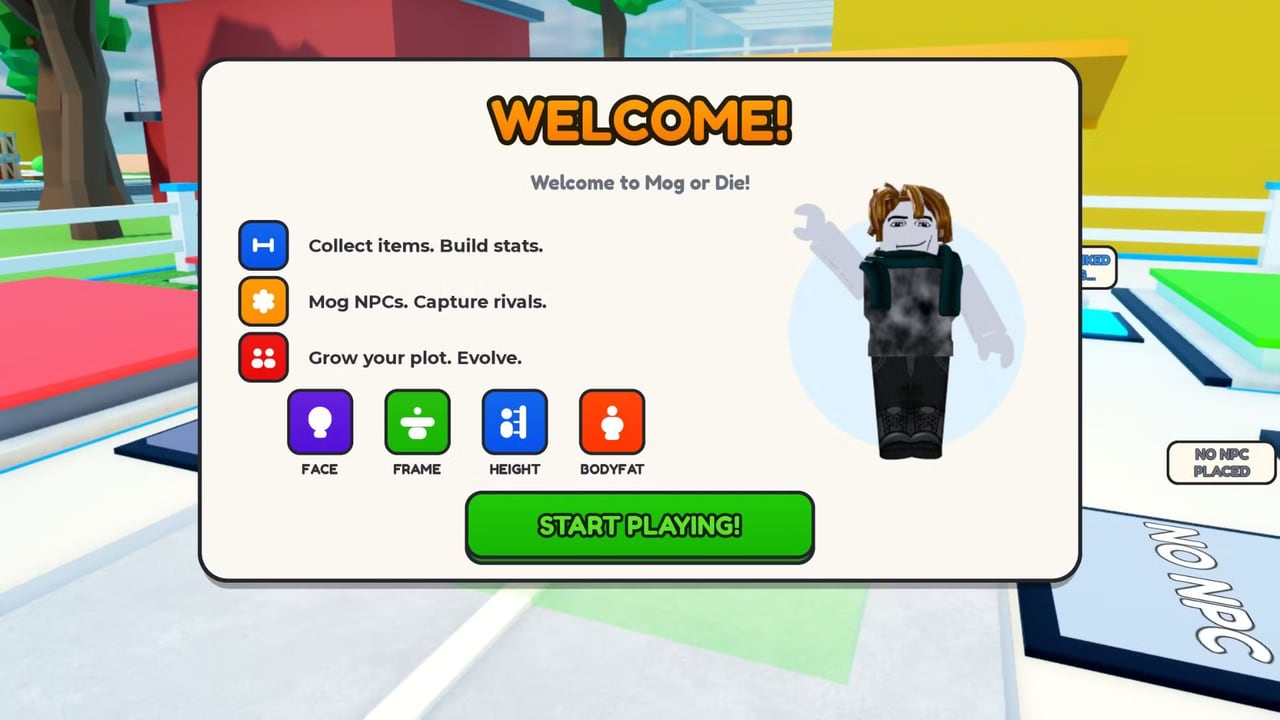
This hub holds practical tools for Agartha Mog or Die. The live client does not expose a public API we can wire into a live calculator, so we do not ship a fake slider that pretends to know your Face number. What we can ship is a decision tree you can run in your head at the pad. The child page stat planner is that tree. This index explains when to open it and when to open a guide instead.
If you need codes, that is a codes job. If you need binds, that is controls. Tools here are spend and route decisions.
What the planner actually answers
- I just spawned. What is the first purchase?
- A 2x code is ticking. Do I shop or walk?
- I got mogged. What did I keep, and what do I rebuild first?
- I have Lucky Spins. Is now the time?
- I want to fight. Which dump stat is a veto?
Those questions have stable answers even without a numeric API, because the tutorial already told us that permanent EXP survives a MOG and the Roblox description already mapped the four pickups. The planner is those facts turned into orderings.
When not to use a tool
Do not open the planner to postpone walking. If Milk is in front of you, pick it up. Do not open it to justify a player fight during Update2. Do not open it to design a twenty-node skill tree this game does not have. Four stats. One Upgrader. Spins later.
If you want a ranked fantasy, the tier list hub is the opinionated version. Tools are the boring version you should listen to after a wipe.
Other “tools” we will not fake
- Live code redeemer widgets that ask you to log in. Never. Paste in-game using how to redeem.
- Inventory trackers that need memory-read scripts. That is the scripts hub problem, and the answer is still no.
- Damage calculators. The compare is not published as a formula. We will not invent weights.
- Map pins for every Milk carton. The suburban grid is small enough to learn with how to grow.
How this hub will grow
If the developers add a visible numeric sheet we can screenshot reliably, the planner will gain example numbers. If Update 3 adds a fifth stat, the planner gains a fifth veto. If a real Trello drops item IDs, items gets them first, then the planner references them. We will not add a second tool page that is the same checklist with a different title.
Use the planner at three moments: spawn, 2x start, wipe. The rest of the time, walk. That is the entire product.
Official links, Discord, and the Roblox group sit on the links hub. Bookmark those plus this planner plus the codes hub and you have the whole kit a SUB5 actually needs.
Frequently Asked Questions
Quick answers for SUB5 players climbing toward Mog King.
Is there a live stat calculator?
No public API. Use the stat planner checklists instead of a fake slider.
When should I open the planner?
At spawn, when a 2x code starts, and after a wipe. Otherwise walk the item loop.
Does the planner tell me to fight?
Only after dump stats are patched and the Upgrader has ranks. Combat details stay on Mog Battles.
Will you add a code-redeemer widget?
No. Redeem in-game. Widgets that ask for a login are scams.